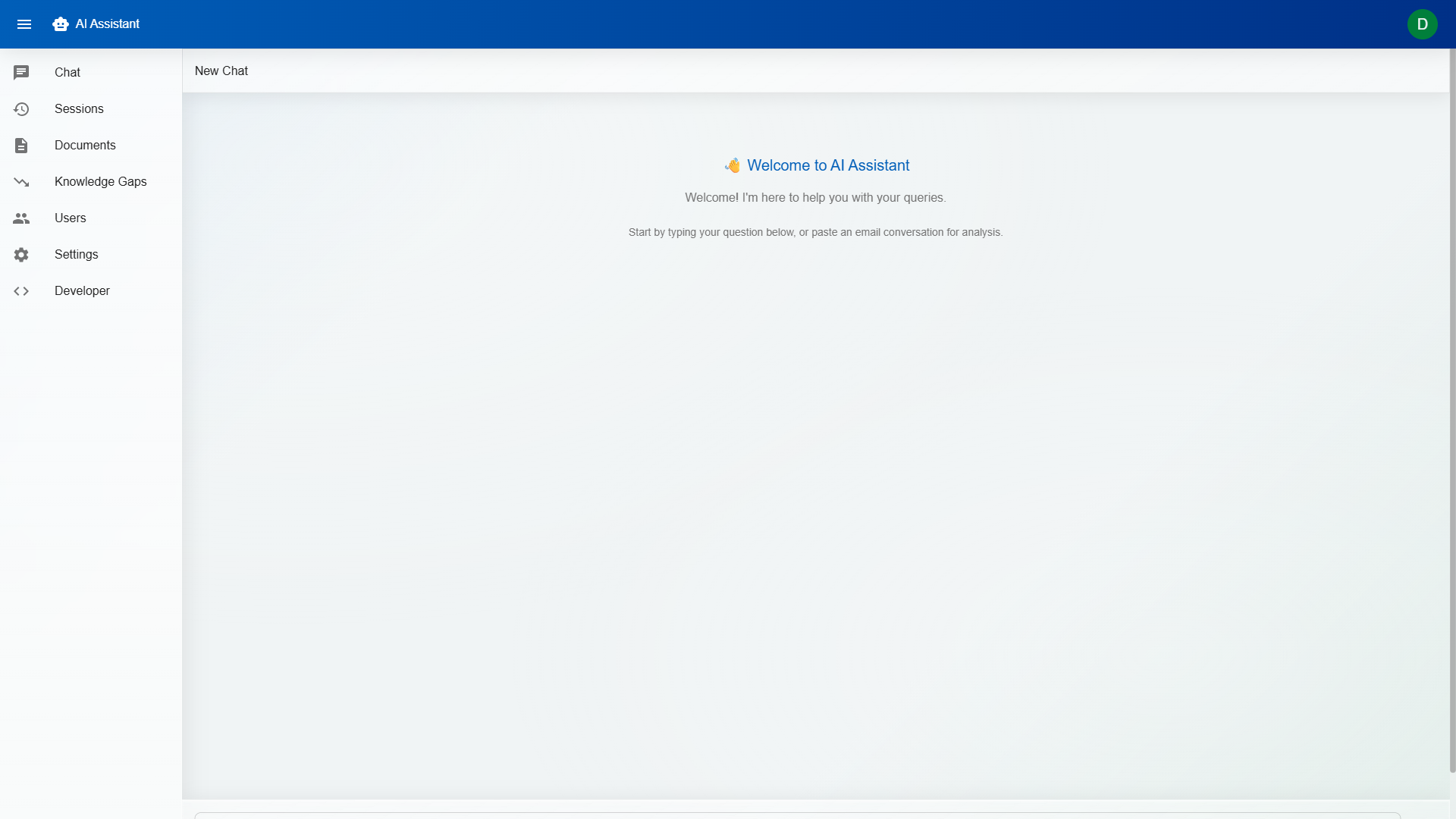
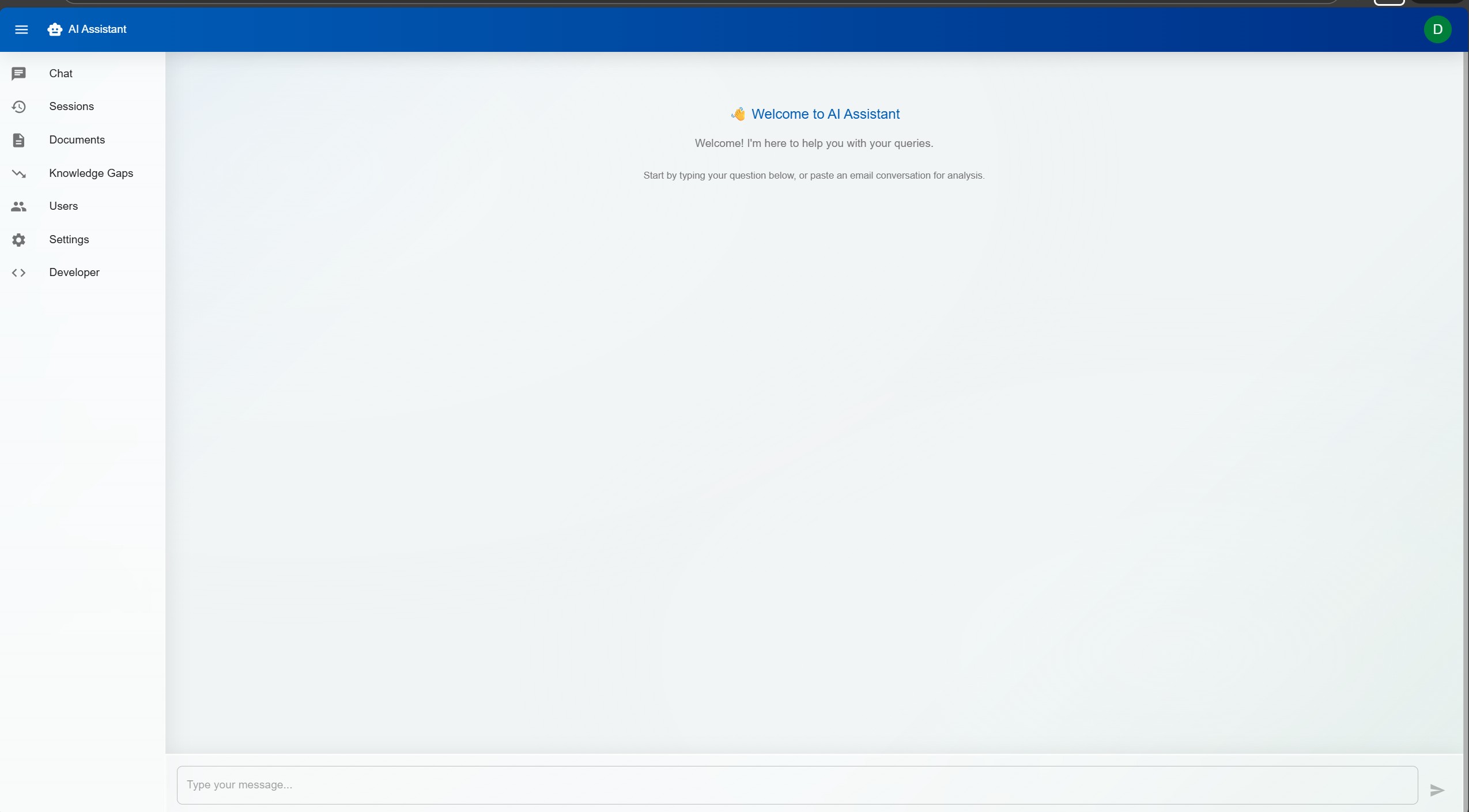
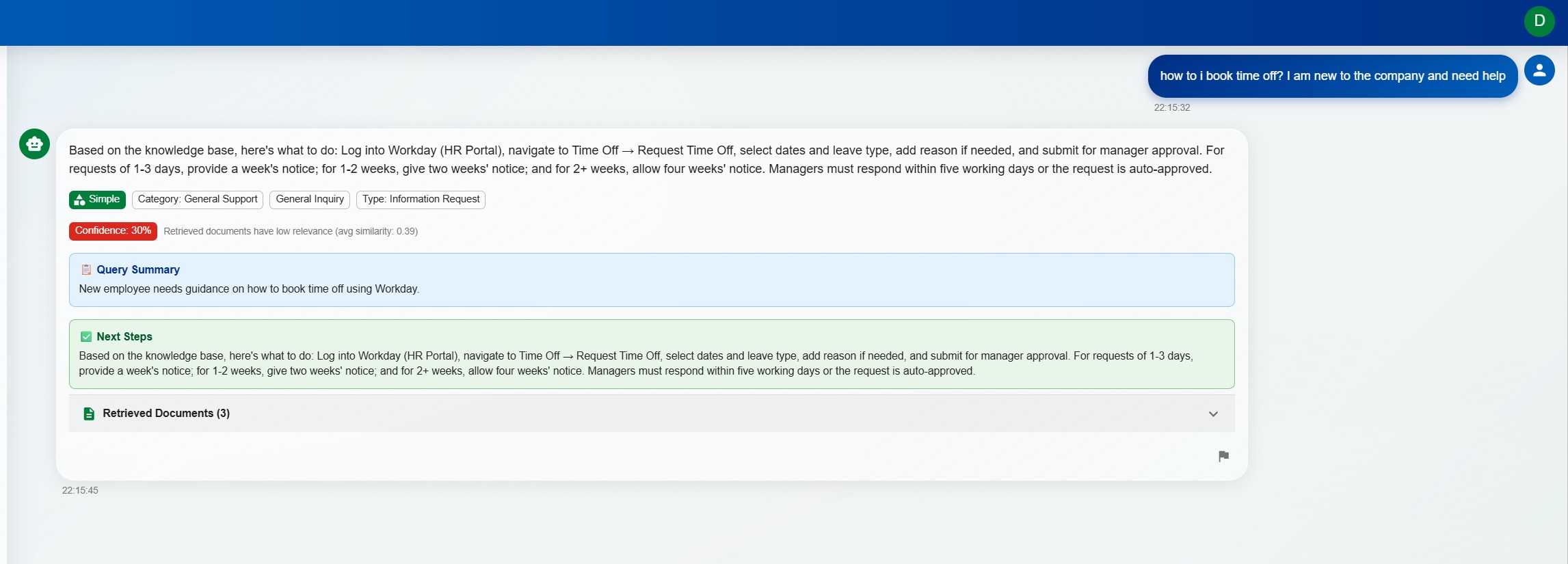
DorrianAI's real-time chat interface showing a RAG-powered response with source citations and confidence scoring
"White-label AI support platform with local-first deployment options"
A multi-tenant AI support platform designed to help teams answer queries faster without giving up control of their knowledge, tone, or data. Combines grounded RAG responses, email parsing, confidence scoring, role-based controls, and full brand customisation in one production-minded product.
In most organisations, support staff spend a large share of their day answering questions that have effectively been answered before. The information exists somewhere in documentation, policies, inboxes, or old tickets, but finding the right source and turning it into a usable answer is still manual work.
That creates slow response times, inconsistent wording, and a heavy dependency on experienced team members who know where everything lives. New starters take longer to ramp up, senior staff get pulled into repetitive queries, and valuable operational knowledge remains scattered instead of becoming a scalable asset.
Existing AI tools often create a new problem: they are either too generic, too expensive, or too risky for teams that care about accuracy and data handling. DorrianAI was designed to fill that gap with a production-grade, configurable, self-hostable assistant that can be tailored to different organisations without losing control.
DorrianAI uses Retrieval-Augmented Generation (RAG) to ground responses in an organisation's real documentation, policies, and prior answers. Instead of acting like a generic chatbot, it retrieves relevant context, assembles it intelligently, and produces a response that reflects the team's own knowledge base.
The goal is not to replace human judgement but to remove repetitive effort. Technicians get faster draft answers, visible sources, confidence scoring, and clarification prompts when a query is ambiguous. That makes the system more useful operationally and much safer than tools that simply generate text and hope for the best.
DorrianAI is positioned as more than a chatbot demo. The build focuses on the things organisations actually care about: grounded answers, configurable permissions, deployment flexibility, and a product structure that can be reused across multiple clients without rewriting the platform each time.
Local-first model support, white-label branding, and tenant-aware controls make the platform far closer to a real product foundation than a one-off AI prototype.
Type-safe frontend with fast HMR development. Component-based architecture makes the white-label system possible — swap theme tokens and the entire UI transforms to match any brand.
Async Python backend with automatic OpenAPI docs, dependency injection, and native async support. Handles concurrent chat sessions, document processing, and AI inference without blocking.
Local LLM inference means zero API costs for development and testing, full data privacy, and no vendor lock-in. Azure OpenAI support provides a cloud fallback for production deployments that need scale.
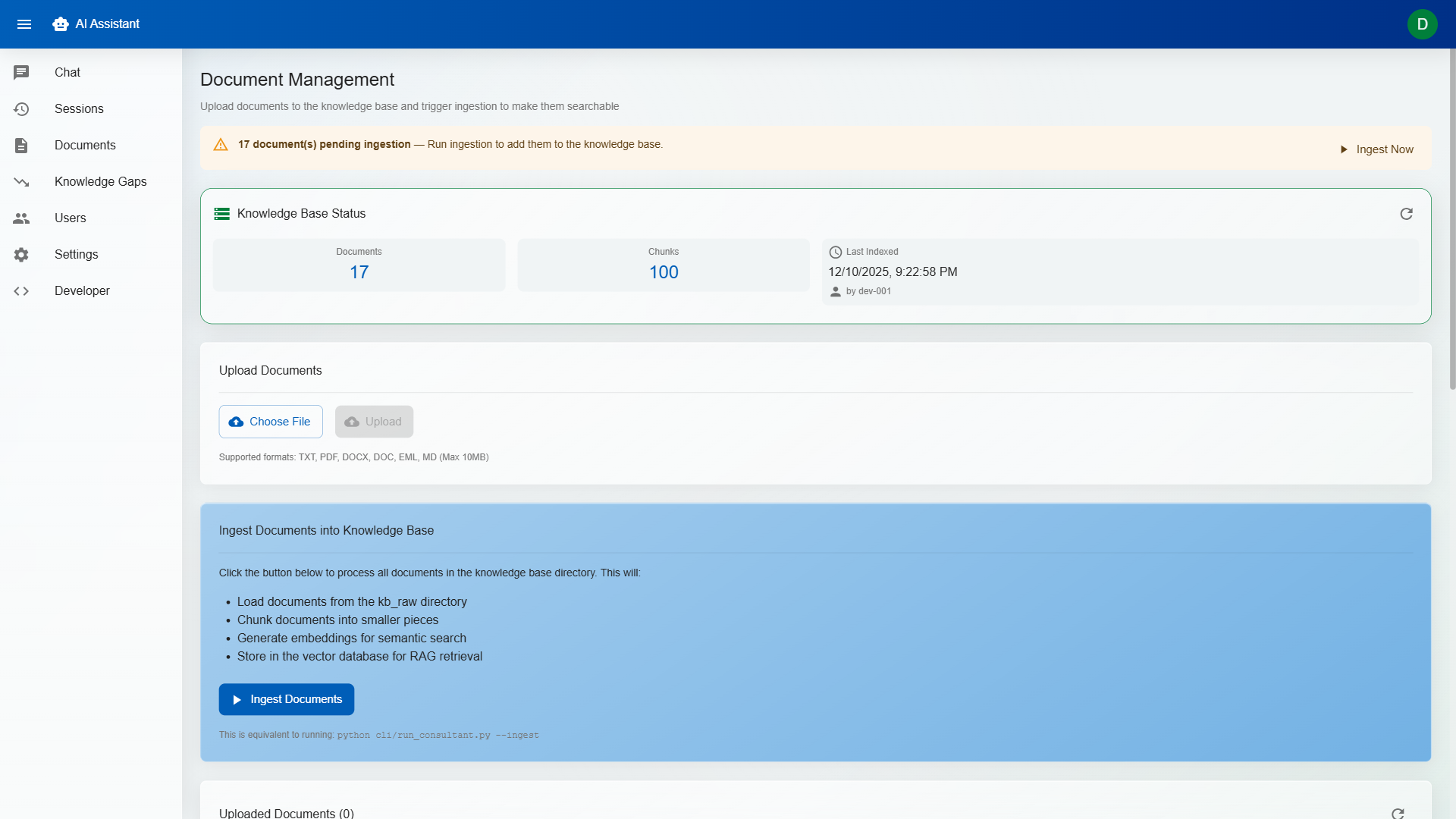
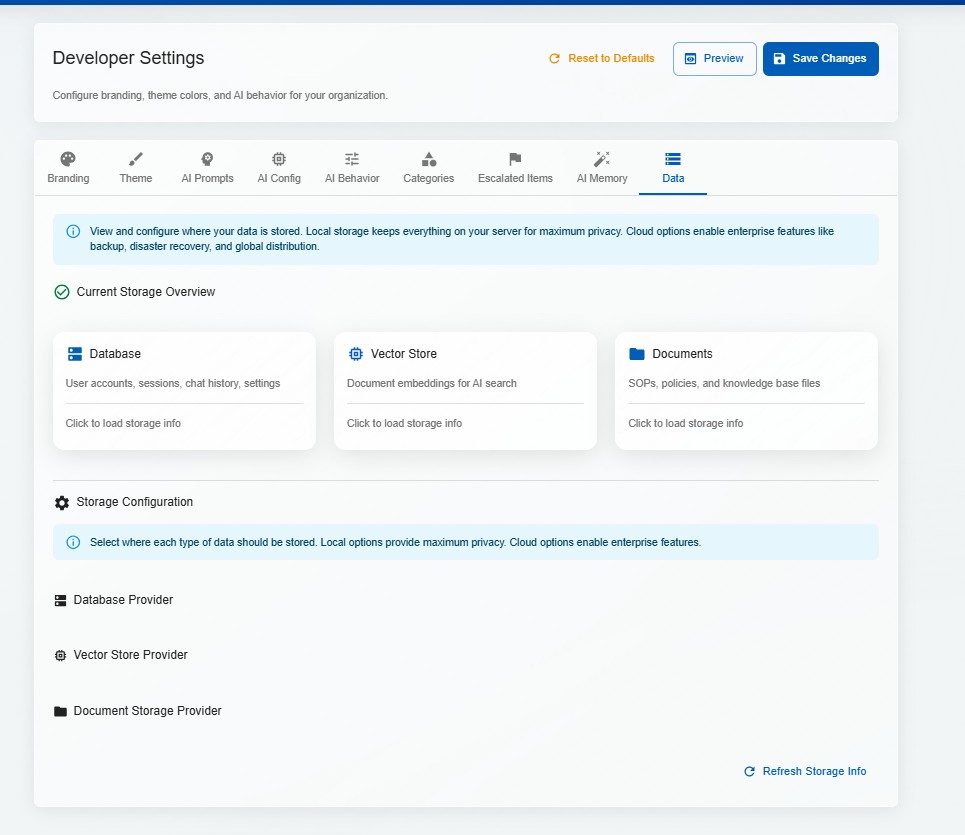
Embedded vector database for knowledge base indexing. Documents are chunked, embedded, and stored locally — retrieval is fast, deterministic, and doesn't require external services.
Full Docker Compose setup for one-command deployment. Frontend, backend, AI model, and vector store all containerised — consistent environments from development to production.
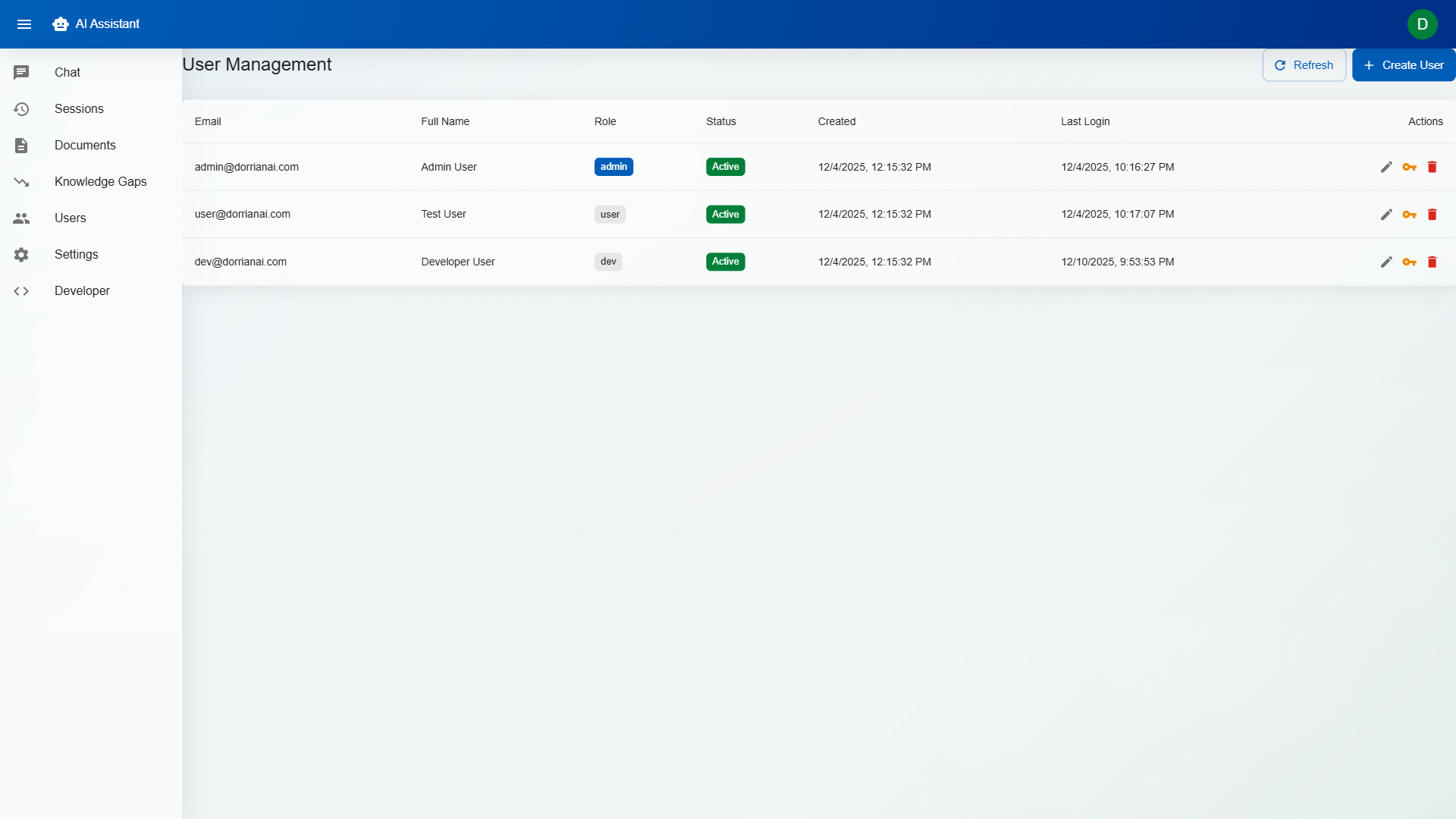
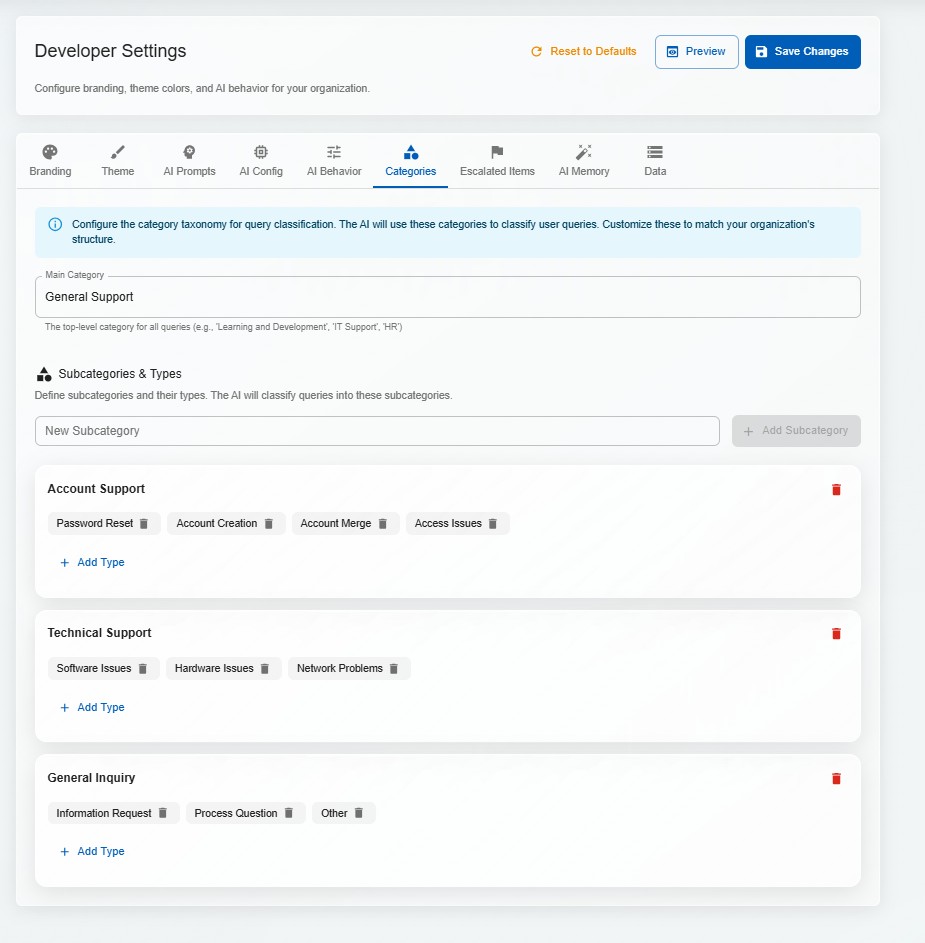
Developer, Admin, and User roles with granular permissions. Developers configure AI behaviour; Admins manage users and knowledge bases; Users interact with the assistant. Multi-tenant isolation ensures organisations never see each other's data.
Paste an email thread and DorrianAI automatically extracts the core question, identifies the sender's context, and strips formatting noise. It understands forwarded chains, reply patterns, and signature blocks.
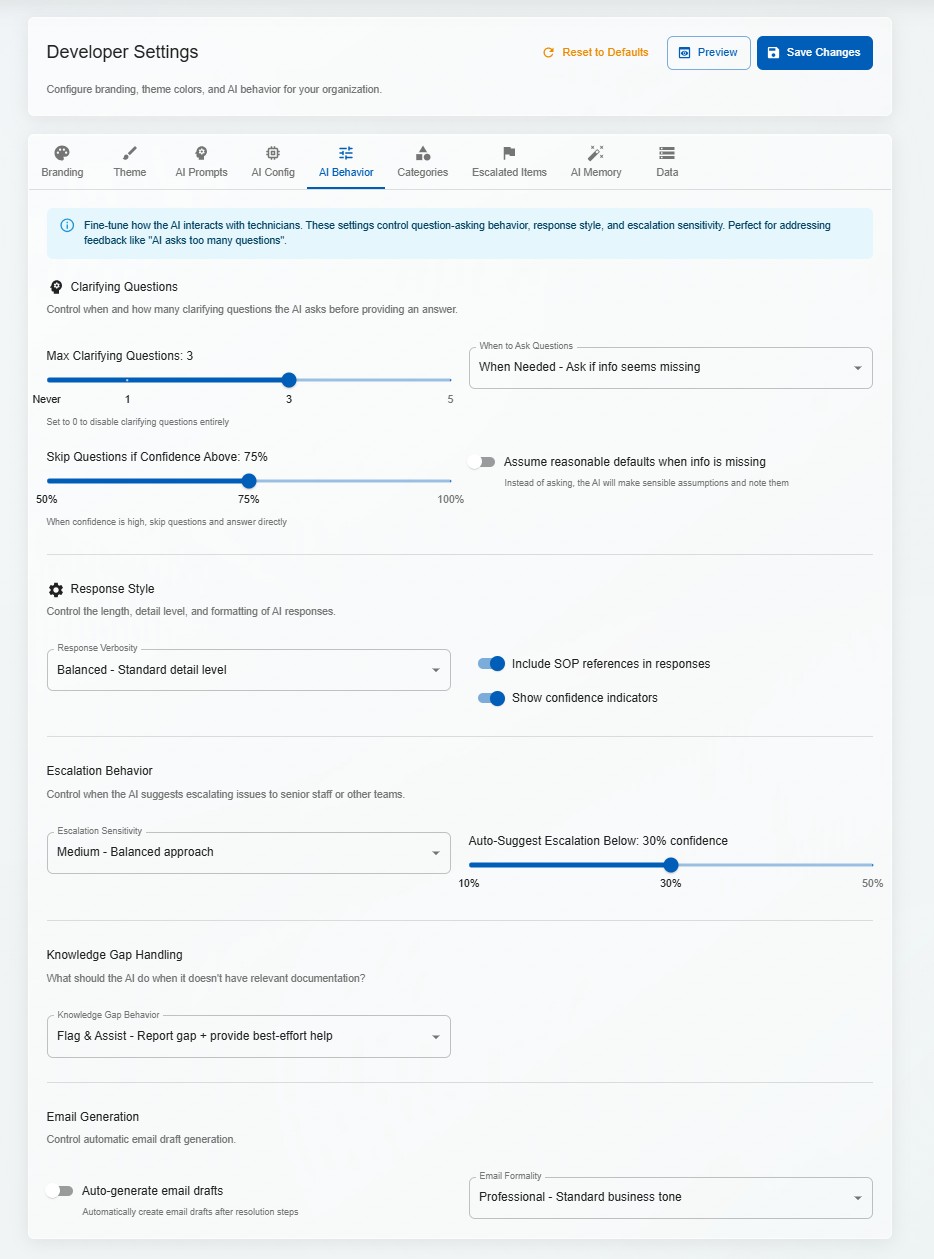
When a query is ambiguous, the system asks targeted clarifying questions before generating a response. This reduces incorrect answers and trains technicians to gather the right information upfront.
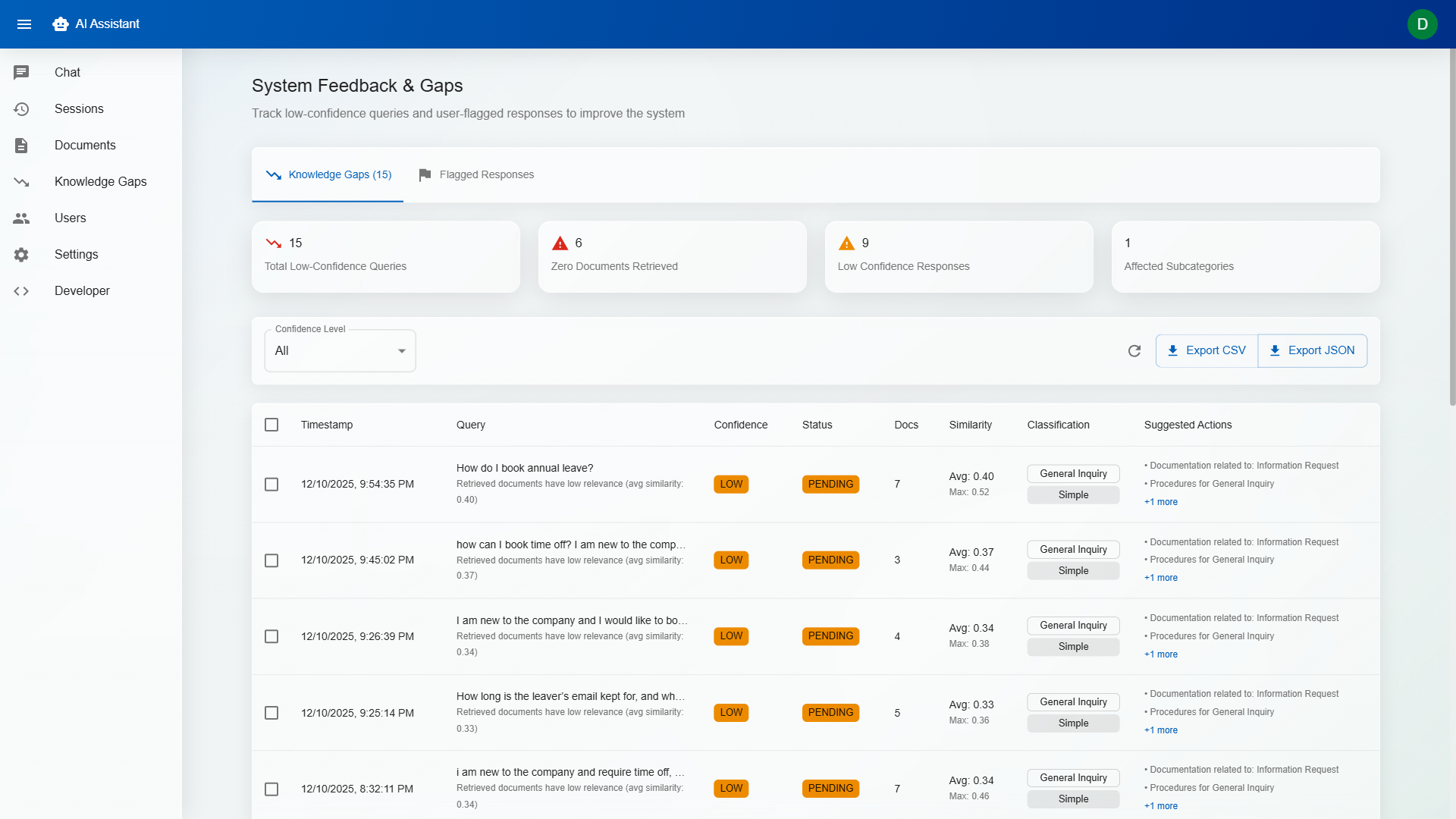
Every response includes a confidence indicator (High / Medium / Low) based on the quality and relevance of retrieved sources. Low-confidence responses are flagged for human review, preventing hallucinations from reaching end users.
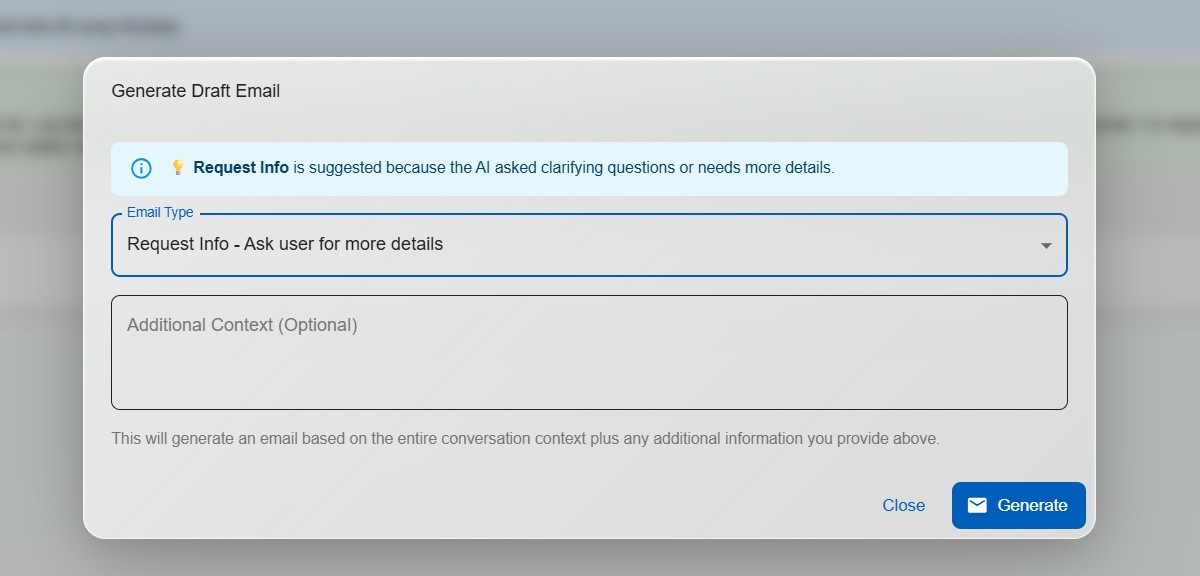
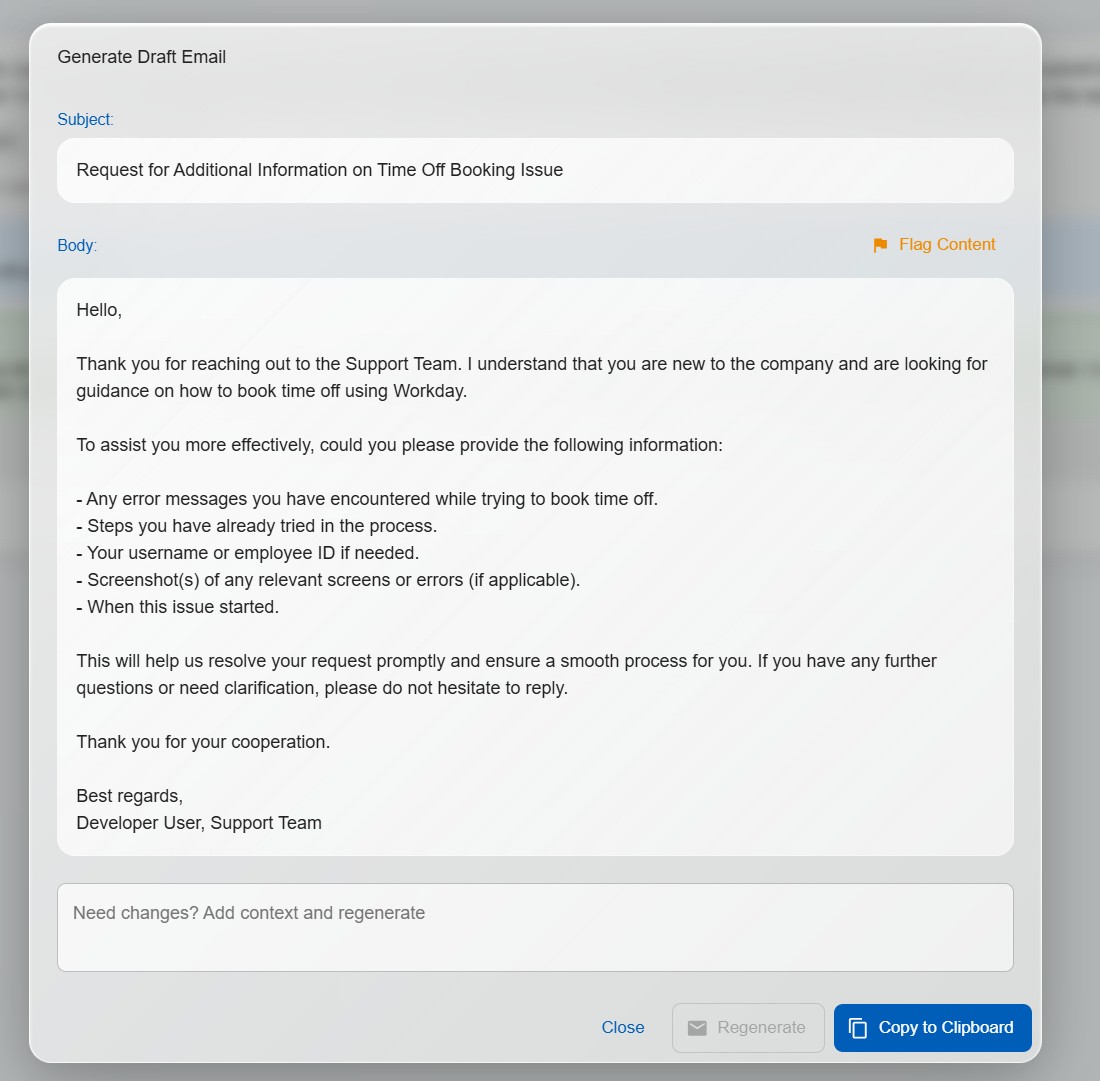
One click generates a professional draft email response based on the AI's answer. Technicians review, edit if needed, and send — cutting response times from minutes to seconds.
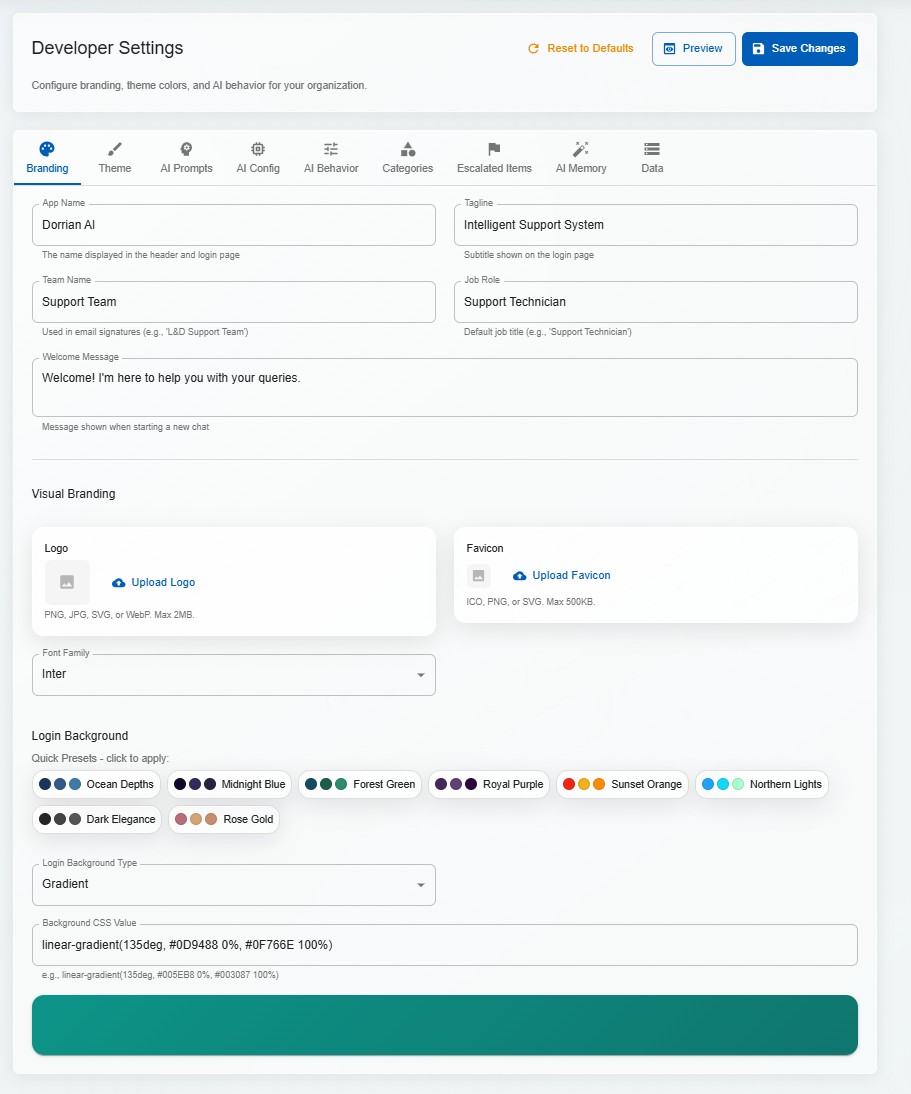
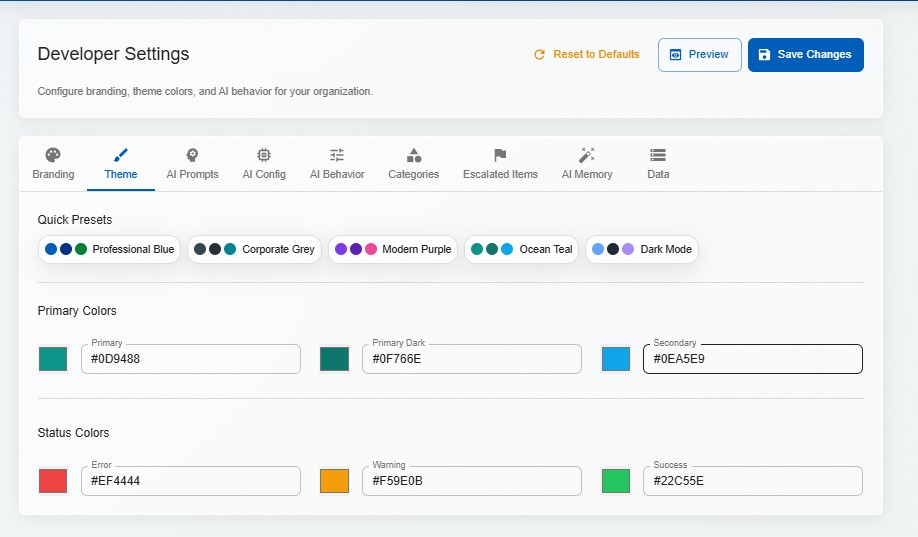
Logos, colours, fonts, tone of voice, system prompts — everything is configurable per tenant. Deploy for a law firm on Monday and a hospital on Tuesday, each with its own branded experience.
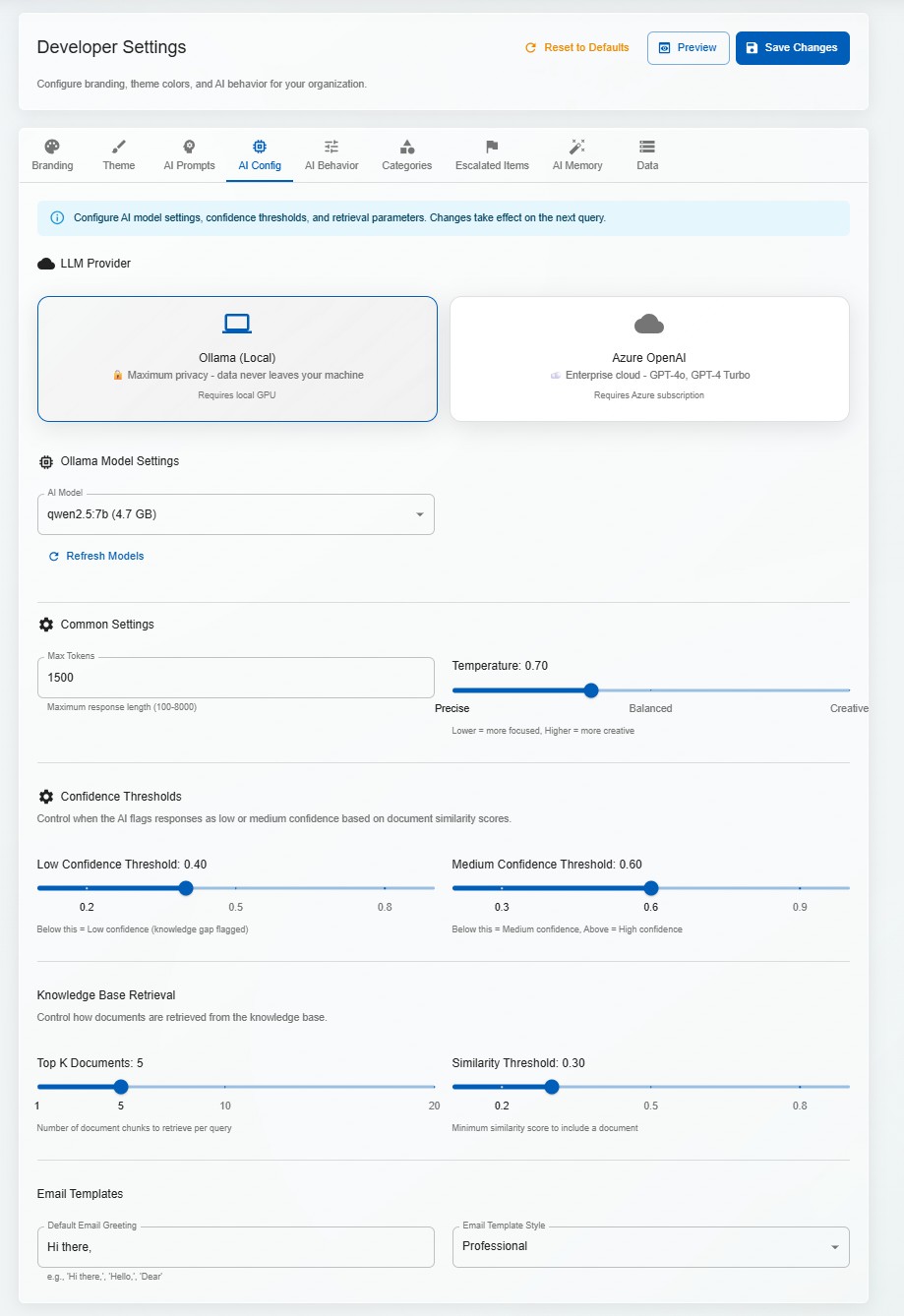
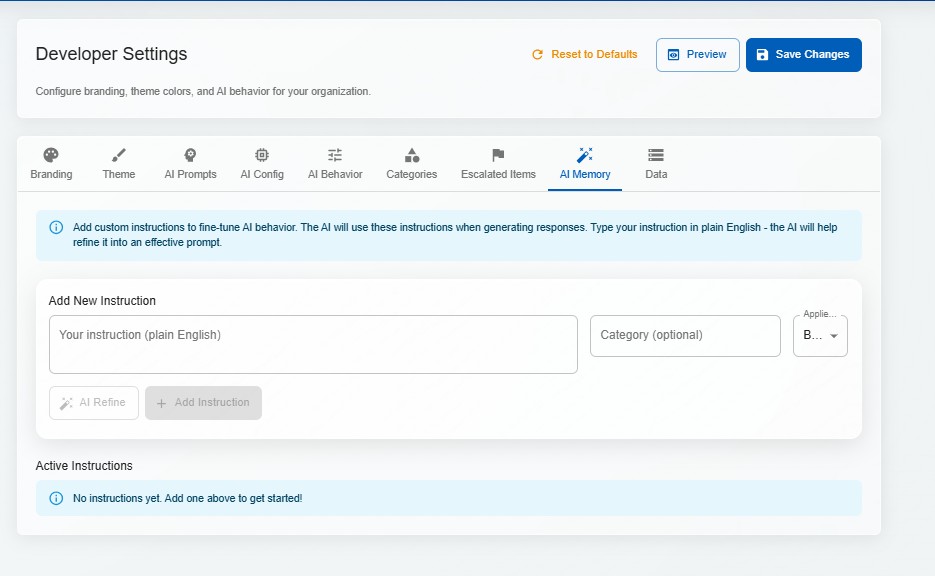
Configure temperature, retrieval thresholds, response length, personality, and domain-specific instructions per tenant. The AI adapts its communication style to match the organisation's voice.
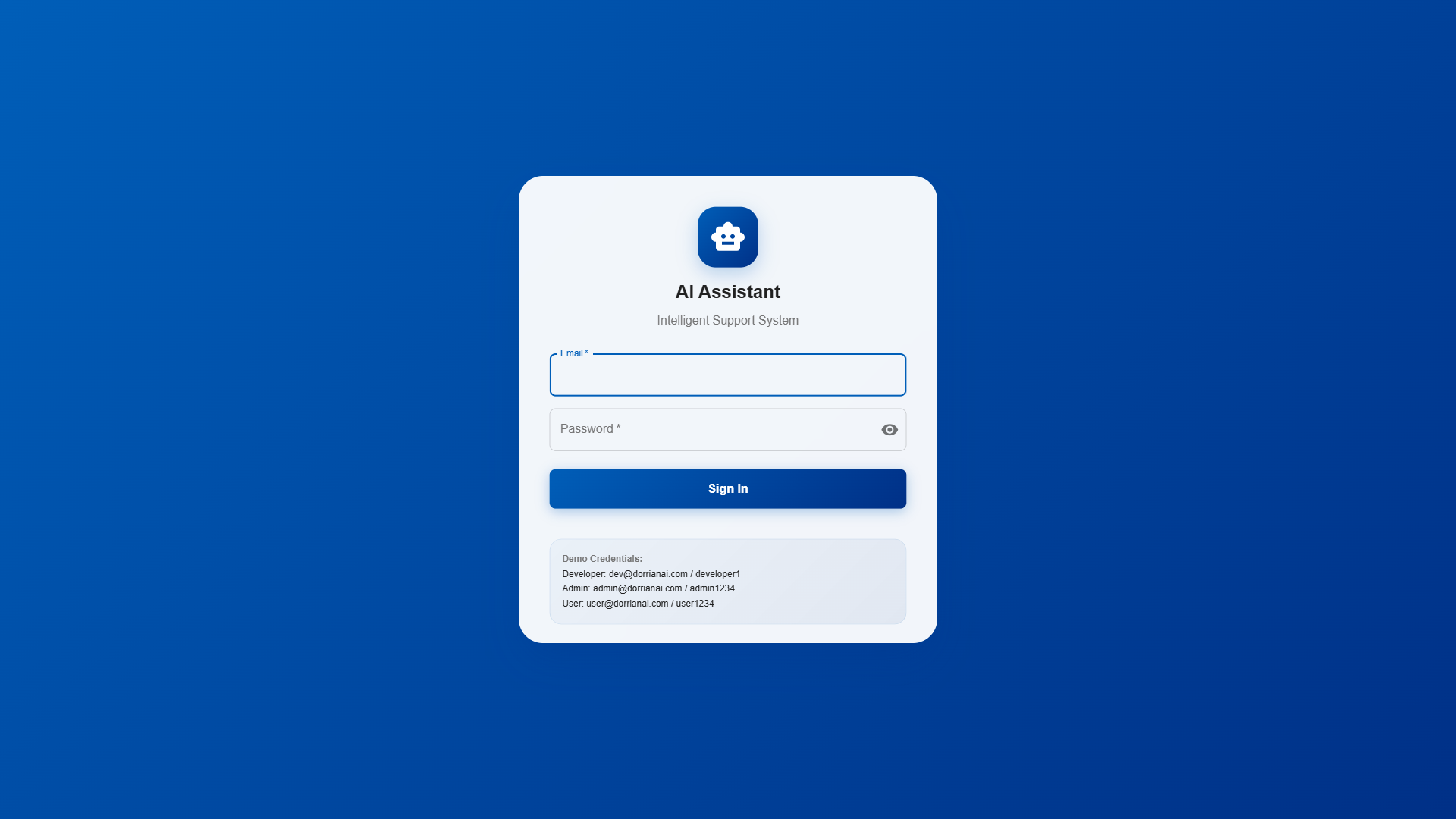
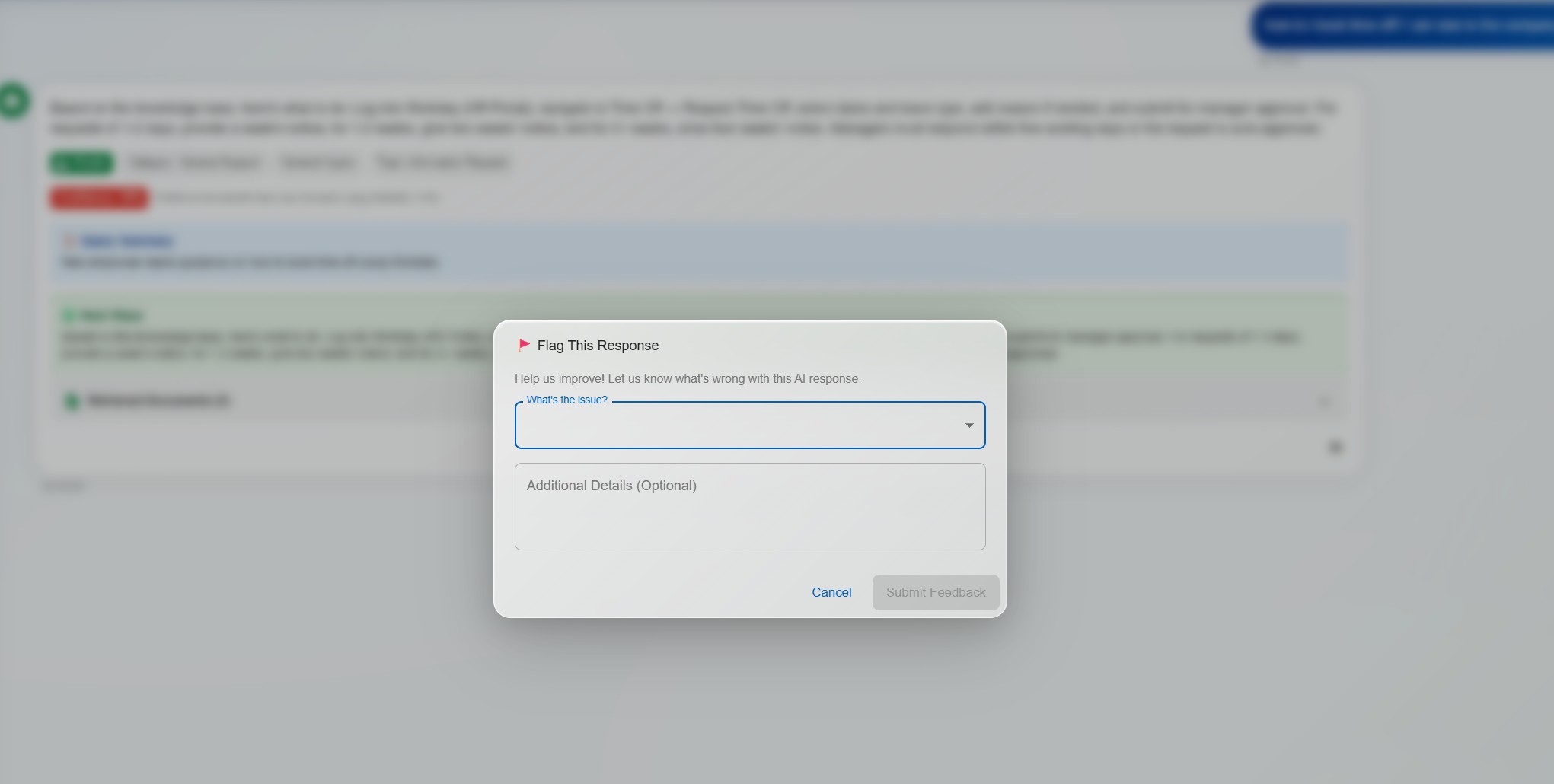
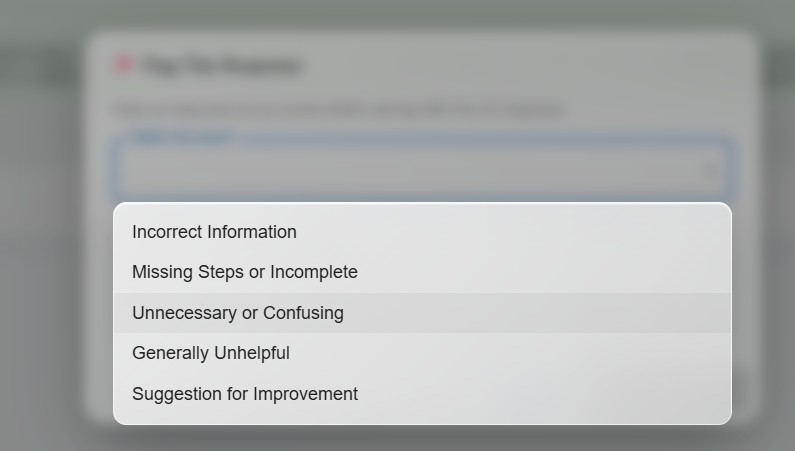
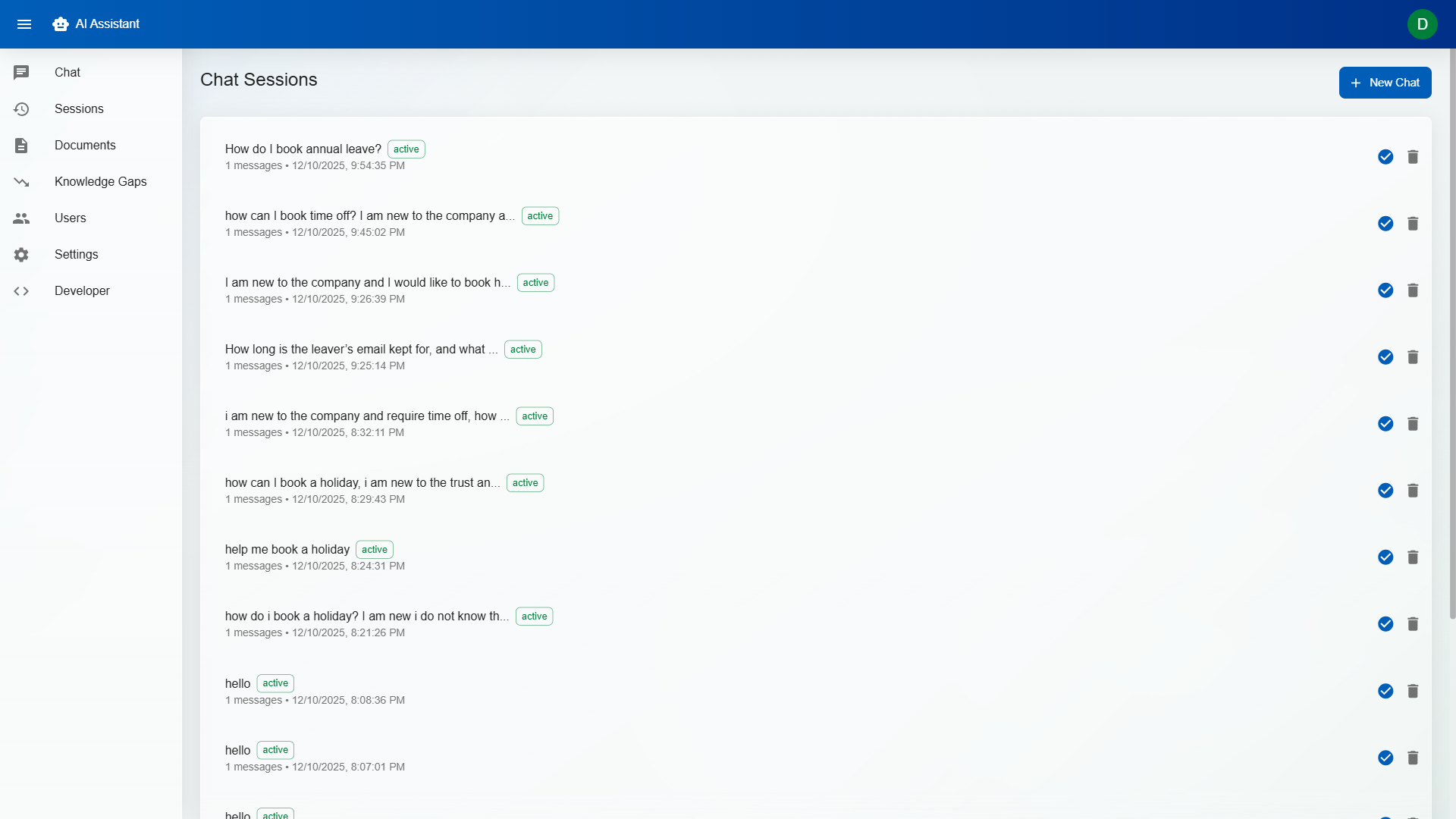
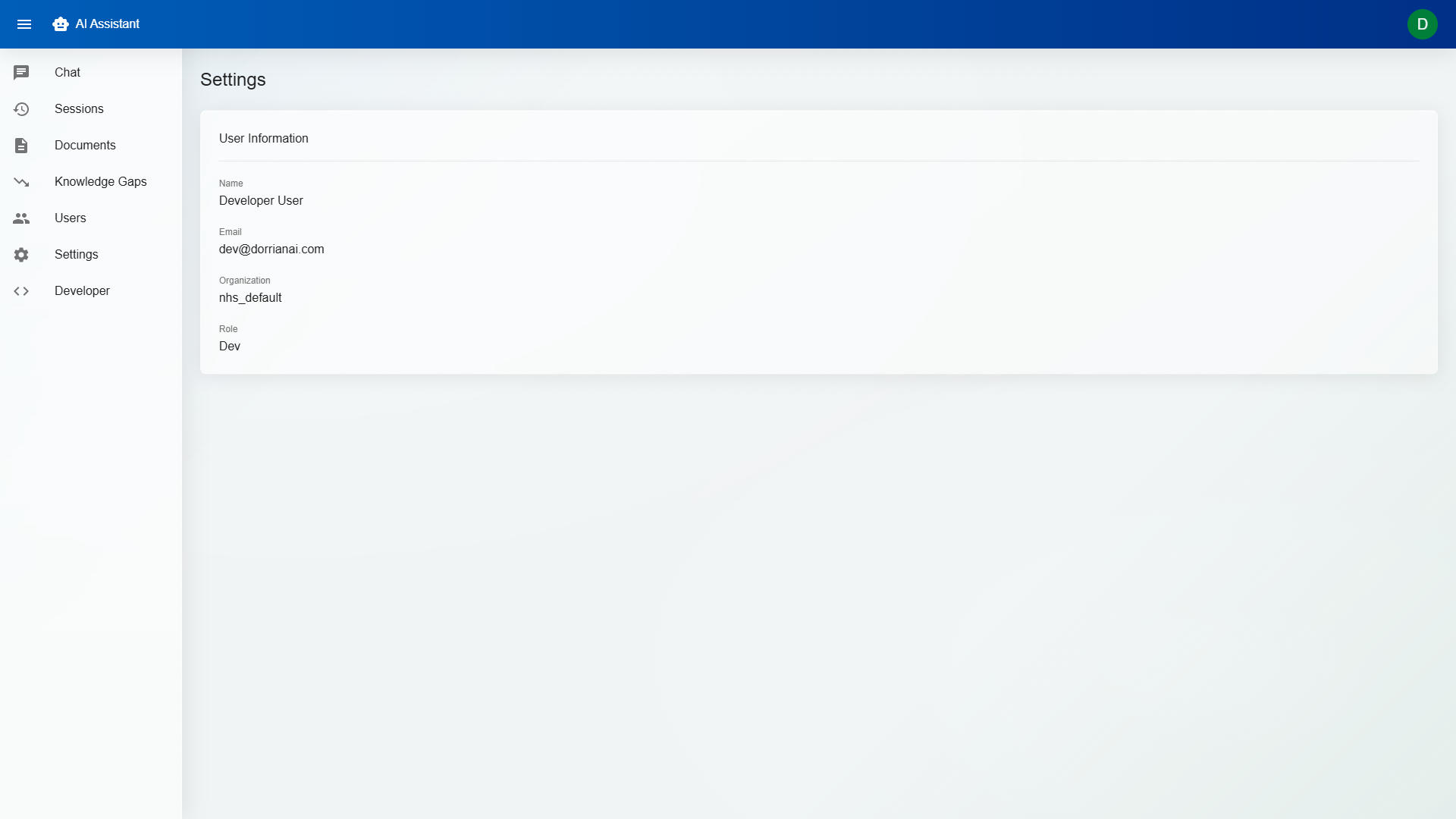
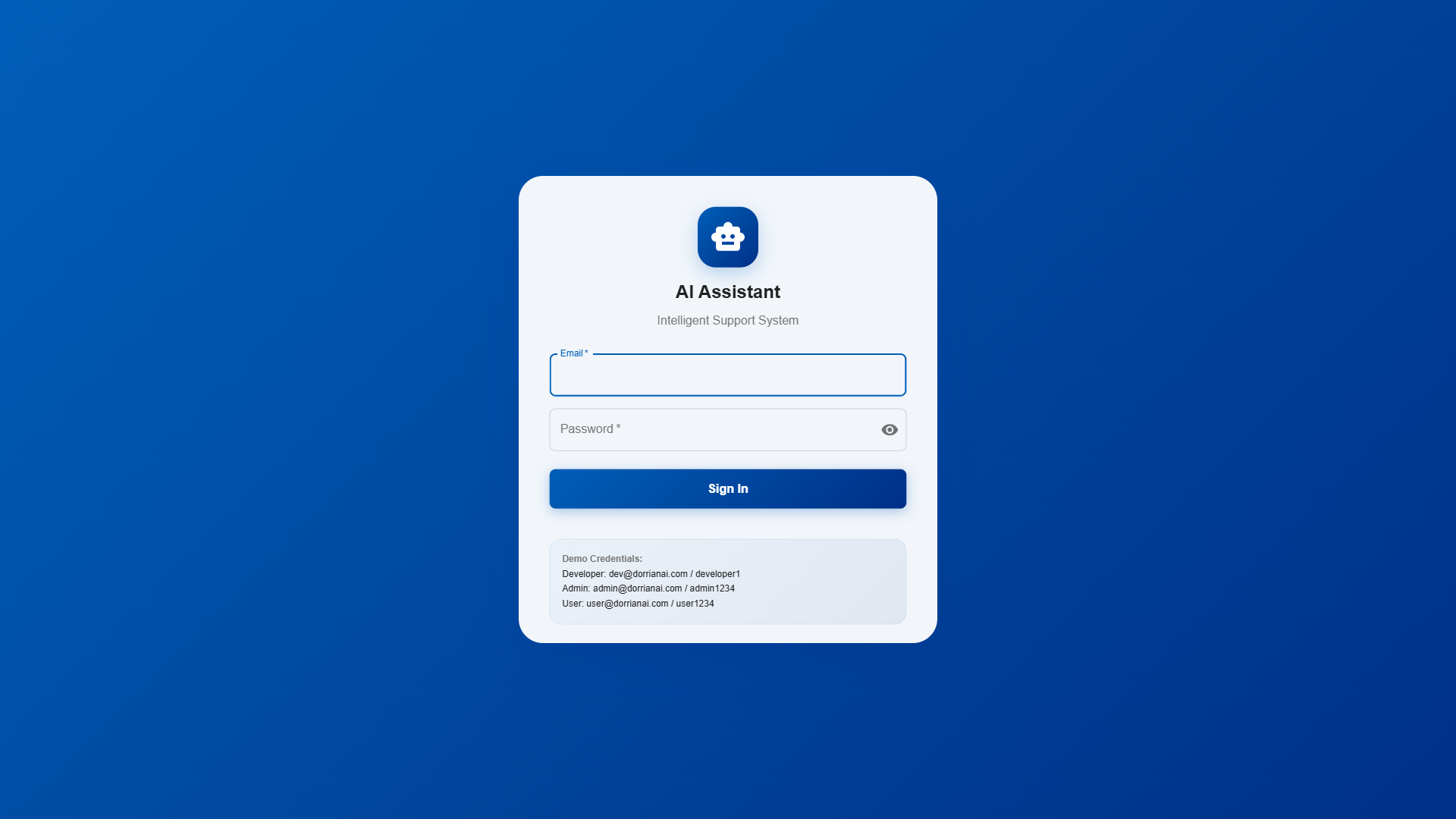
These screenshots come from the live demo walkthrough and show the actual operational flow: login, chat, escalation, knowledge management, user controls, and white-label tenant configuration.

Challenge: LLMs confidently generate plausible-sounding answers even when the knowledge base contains no relevant information. In a helpdesk context, a hallucinated answer sent to a customer is worse than no answer at all.
Solution: Implemented a multi-layered approach: retrieval similarity thresholds reject low-quality matches before they reach the LLM; the system prompt explicitly instructs the model to say "I don't have enough information" rather than guessing; confidence scoring compares the response against source material; and the 3-tier workflow ensures a human always reviews before anything reaches a customer.
Challenge: Multiple organisations use the same platform, each with their own knowledge base, users, and AI configuration. Tenant A must never see Tenant B's data — even in error states, edge cases, or misconfigured queries.
Solution: Tenant isolation is enforced at every layer: API routes include tenant context from authentication tokens; database queries are scoped by tenant ID at the ORM level; vector store collections are namespaced per tenant; and file storage uses tenant-prefixed paths. No query path exists that doesn't include a tenant filter.
Challenge: Running AI locally via Ollama is cost-effective and private, but smaller local models produce lower-quality responses than cloud APIs. The system needed to work well with both, without requiring different UIs or workflows.
Solution: Abstracted the AI layer behind a unified interface — the same prompt engineering, retrieval pipeline, and post-processing works regardless of the underlying model. The system automatically adapts prompt length and complexity based on the model's context window. Organisations can start with local Ollama and upgrade to Azure OpenAI without changing anything else.